 |
To view the Activity Log from the video
device window, just press the activity log button. You can also access the Activity Log from the system tray menu. |
|
|
To view the Activity Log from the video
device window, just press the activity log button. You can also access the Activity Log from the system tray menu. |
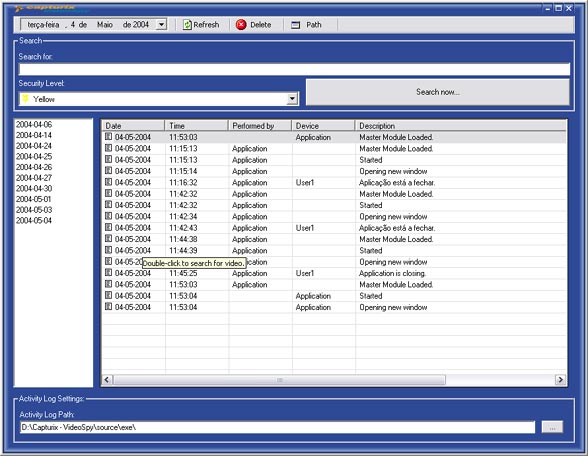
Double-click on the item
After you double-click the activity log items you will get another window, that is a video searcher:
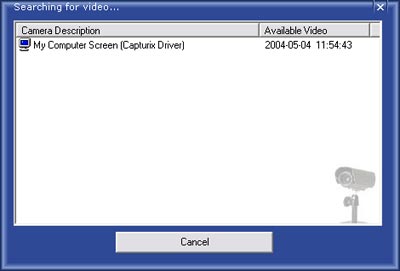
This window will display the available video close to the date of the item you choose, to see the video just double-click the camera you choose.
© Capturix Software Technologies. All rights reserved.