 |
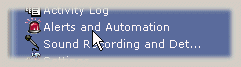
To access the Alerts and Automation configuration: System Tray Menu >> Alerts and Automation. |
|
|
To access the Alerts and Automation configuration: System Tray Menu >> Alerts and Automation. |
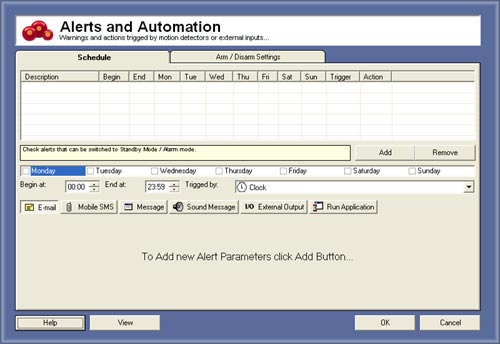
What is Alerts and Automation feature ?
Alerts and Automation ables you to respond to events with other action, for example: send a e-mail when motion is detected or turn the lights off when temperature is high.
Give a sound alert when sound is detected.
Trigger types:
- Motion detection of every connected camera
- Clock (if you want to schedule one event, eg: turn lights on every morning)
- Sound Detection
- External Hardware inputs (up to 100.000 inputs)
- Power failure (UPS required)
- No video (special video capture card needed)
- System Mulfunction (if the system crash) - ONLY on Enterprise Edition
How to create alert event:
1. Press ADD button
2. Select the added item
3. Choose the weekdays that this event will be active
4. Check the item if you allow to turn off with the main menu Arm / Disarm button
5. Choose the begin time that this event will be active
6. Choose the end time that this event will be deactivate
7. Select the trigger for this event (see Trigger Types)
8. Choose the Alert types
Press OK to confirm and leave the configuration window.
© Capturix Software Technologies. All rights reserved.