 |
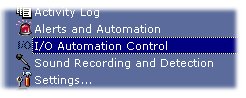
To access the I/O Automation Control configuration: System Tray Menu >> I/O Automation Control. |
I/O Automation Control (only for Enterprise Edition)
|
|
To access the I/O Automation Control configuration: System Tray Menu >> I/O Automation Control. |
I/O Automation Control
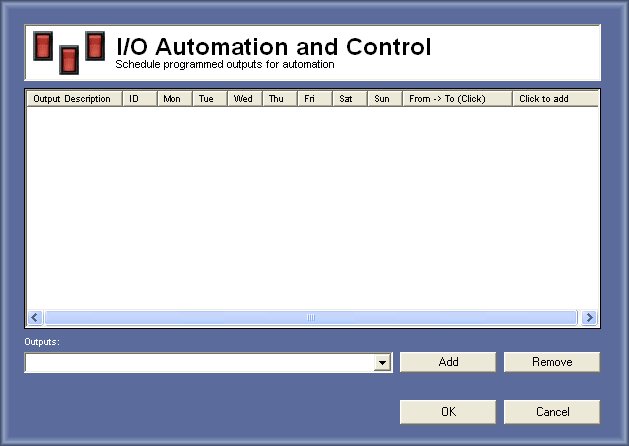
This feature ables you to control all outputs connected to the computer and program automation for them.
Applications:
- Turn on the lights everyday at 20h and turn off at midnight
How to program:
1. Select the output that you want to program:
2. Press add
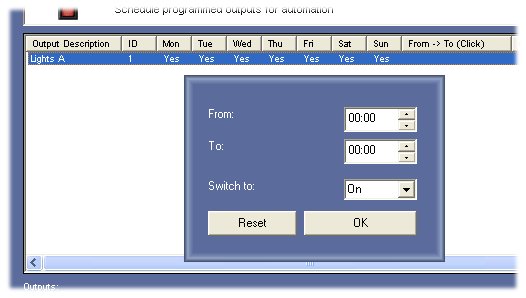
3. Press On the From -> To column header to create a timer interval
4. Select From each hour and minutes you want to program the output
5. Select To each hour and minutes you want to program the output
6. Select the state of the output
Reset:
To clear the interval
Optimization:
When you press OK on the I/O Control window all the parameters will be optimized.
© Capturix Software Technologies. All rights reserved.