 |
To access the Master Menu Options configuration: System Tray Menu >> Settings >> Master Menu. |
|
|
To access the Master Menu Options configuration: System Tray Menu >> Settings >> Master Menu. |
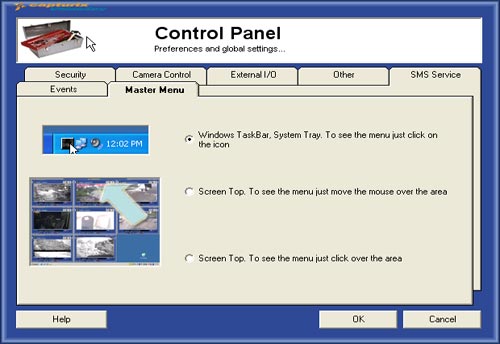
Master Menu
You can select the position of the master menu, by selecting 3 different types of modes:
- Windows Taskbar, To see the menu you just click on the system tray icon (DEFAULT)
- Screen Top, This will create a bar and when the mouse moves over the area this will show the menu.
- Screen Top, This will create a bar and when you click on that bar will display the menu
© Capturix Software Technologies. All rights reserved.