 |
To access the Security Options configuration: System Tray Menu >> Settings >> Security. Enteprise Edition can handle unlimited accounts, internet editon can only have the same number of cameras license. |
|
|
To access the Security Options configuration: System Tray Menu >> Settings >> Security. Enteprise Edition can handle unlimited accounts, internet editon can only have the same number of cameras license. |
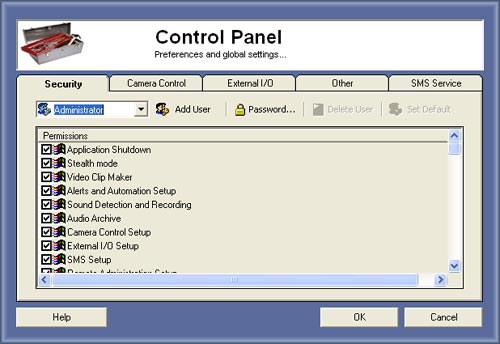
Security
This will configure new accounts, passwords and access permissions to software configurations.
Administrator have all permissions to access any kind of settings. But you can create more accounts to other persons.
We recomend to protect the access of this window using the Security settings.
Creating a new account
First you need to be logged as the administrator, than press on
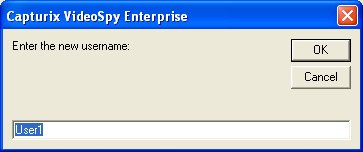
This will prompt a new window asking for the new account username:
After you click OK, the account will be created, the password of this account is the username.To change the password you must log as the new user and go to the same window press password and change the password.
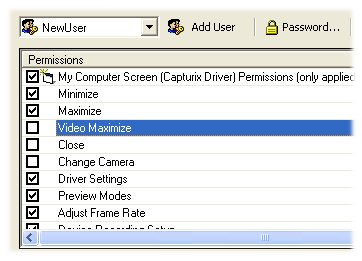
Select the permissions:.
Modify Password
To modify the password of the logged account you must go to Settings window and press
select the username, and press
.
Choose the new password.
Delete Account
To delete an account you must go to Settings window logged as the Administrator and press
.
Set Default Account
The default account is the account that will be logged when software starts without entering a password.
Administrator account cannot be set as default account.
Enteprise Edition can handle unlimited accounts, internet editon can only have the same number of cameras license.
© Capturix Software Technologies. All rights reserved.