 |
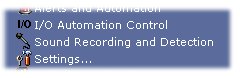
To access the Sound Recording and Detection configuration: System Tray Menu >> Sound Recording and Detection. |
|
|
To access the Sound Recording and Detection configuration: System Tray Menu >> Sound Recording and Detection. |
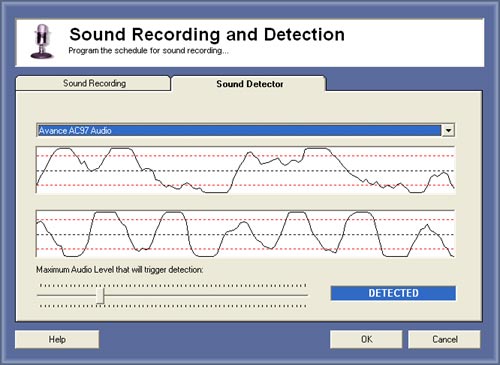
Sound Detection
Sound detection is a way to determine a maximum of noise, if the sound goes higher than the limit the detection will trigger all automation or/and recording programmed based on sound detection.
Applications:
- Breaking glass detection
- Scream detection
Setup:
1. Select the Audio Capture Device to use.
2. Adjust the limit of noise, red lines will indicate the limit.
© Capturix Software Technologies. All rights reserved.