 |
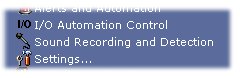
To access the Sound Recording and Detection configuration: System Tray Menu >> Sound Recording and Detection. |
|
|
To access the Sound Recording and Detection configuration: System Tray Menu >> Sound Recording and Detection. |
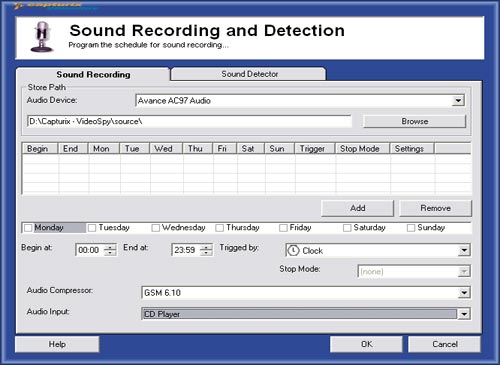
Sound Recording
Attention recording sound can require many disk space, because sound will be recorded without time lapse.
To record sound you can use any trigger from other modules like motion detection of the cameras.
You must select on Windows Audio Mixer the audio channel you want to record (e.g.: Microphone, Line-In).
Warning: There countries that have laws for Audio+Video Surveillance.
How to program:
1. Press Add button
2. Select Weekdays, begin and end hour.
3. Select Trigger that will start the audio recording.
4. Stop mode is the away that will stop the recording.
Select none, if you want to capture continuously
Audio Settings:
Compressor: (CODEC used)
Input: (card input)
© Capturix Software Technologies. All rights reserved.